Step 1: Understand What WordPress Actually Is
Before jumping in, clear this confusion first.
There are two versions:
- WordPress.org → You control everything (recommended)
- WordPress.com → Limited control
If you want full freedom (SEO, monetization, design), go with WordPress.org.
Step 2: Get a Domain Name + Hosting
Think of it like this:
- Domain = your website name (like peplio.com)
- Hosting = where your website lives
Popular hosting providers:
- Hostinger
- Bluehost
- SiteGround
💡 Tip: Start with basic shared hosting. You don’t need expensive plans in the beginning.
Step 3: Install WordPress (1-Click Setup)
Most hosting providers give a simple button:
👉 “Install WordPress”
Just click, fill:
- Website name
- Username
- Password
Done. Your site is now live.
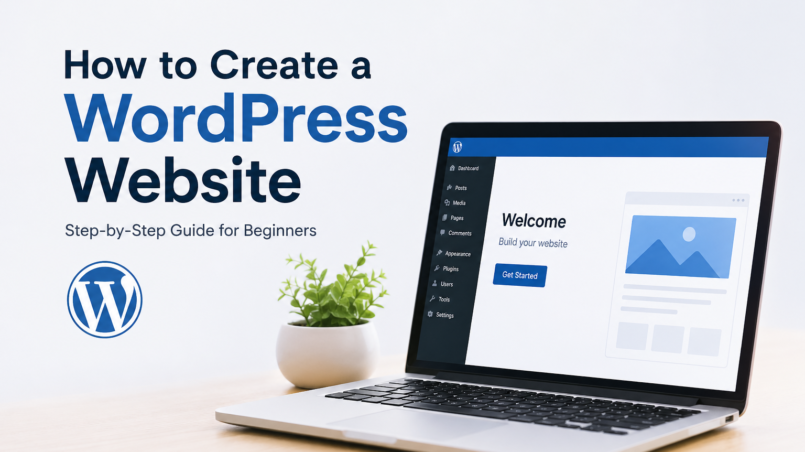
To access dashboard:
yourdomain.com/wp-adminStep 4: Choose a Theme (Your Website Design)
Now your site looks… boring. That’s normal.
Themes control your design.
Go to:
Dashboard → Appearance → Themes → Add New
Popular free themes:
- Astra
- GeneratePress
- Neve
Premium themes:
- Divi
- Elementor
💡 If you’re just starting, use Astra + Elementor. Simple and powerful.
Step 5: Install Important Plugins
Plugins = extra features for your website.
Go to:
Plugins → Add New
Must-have plugins:
- SEO → Rank Math SEO
- Security → Wordfence
- Speed → LiteSpeed Cache
- Backup → UpdraftPlus
Don’t install too many. Keep it clean.
Step 6: Create Important Pages
Every website needs these basics:
- Home
- About
- Contact
- Blog
Go to:
Pages → Add New
Write simple content first. You can improve later.
Step 7: Customize Your Website
Go to:
Appearance → Customize
Here you can:
- Upload logo
- Change colors
- Set fonts
- Create menu
Also create navigation:
Appearance → Menus
Step 8: Write Your First Blog Post
Go to:
Posts → Add New
Write like you’re talking to someone. Don’t overthink.
Example structure:
- Title
- Introduction
- Main content
- Conclusion
Step 9: Basic SEO Setup (Important!)
Install Rank Math and do:
- Add focus keyword
- Write meta title & description
- Use headings (H1, H2, H3)
- Add internal links
💡 This is where most beginners fail—don’t skip SEO.
Step 10: Make Your Website Live to the World
Your site is already live…
But now:
- Share it on social media
- Submit to Google Search Console
- Keep posting regularly
Traffic doesn’t come overnight—but it comes.
Real Talk (What Most People Don’t Tell You)
You don’t need:
- Coding
- Expensive tools
- Perfect design
You need:
- Consistency
- Content
- Patience
That’s it.
Final Thought
Building a WordPress website isn’t the hard part.
Growing it is.
Anyone can click buttons and create a site in 1 day.
But turning that site into traffic, leads, or money—that’s where the real game begins.